
B2B Automation Services for Back-Office Workflows
Automate repetitive internal work across documents, emails, systems, reports, and approvals without replacing your current stack or giving up control.
Partners and recognition




Small Manual Tasks Become Expensive at Scale
Most growing B2B companies do not have one massive operational problem. They have dozens of small manual steps repeated every day across documents, inboxes, spreadsheets, systems, approvals, and exceptions.
People become the integration layer
Every new customer, order, case, or shipment adds more manual routing before the work can move.
Growth Should Not Always Require More Headcount
Revenue growth often creates more operational work. Automation changes the equation by separating work that needs human judgment from work that only needs structured execution.
Traditional Growth
More Manual Capacity
Automated Operations
More System Capacity
Back-Office Processes We Automate
WiserBrand builds automation agents that work behind the scenes. They process internal information, move data between systems, flag exceptions, prepare reports, and support your team inside the tools they already use.
Inputs
Outputs
Capture
Read recurring document types and attachments.
Extract
Pull fields, dates, totals, parties, and IDs.
Review
Send low-confidence cases to a human checkpoint.
Boring minutes add up
The Real Cost Is Hiding in Small Daily Tasks
A task that takes 30 minutes a day rarely looks like a major business problem. But over a month, that becomes roughly 10 hours. Across several recurring processes, the cost becomes large enough to affect margins, team capacity, and delivery speed.
40
Hours/month lost
$2,600
Estimated monthly cost
$31,200
Estimated annual cost
Start With a 5-Day Automation Opportunity Audit
Before building anything, WiserBrand maps where automation can create measurable value. The diagnostic is a practical business review, not a generic consultation.
Automation Without Losing Control
The first workflow should prove value and reliability before autonomy expands.
Case Studies
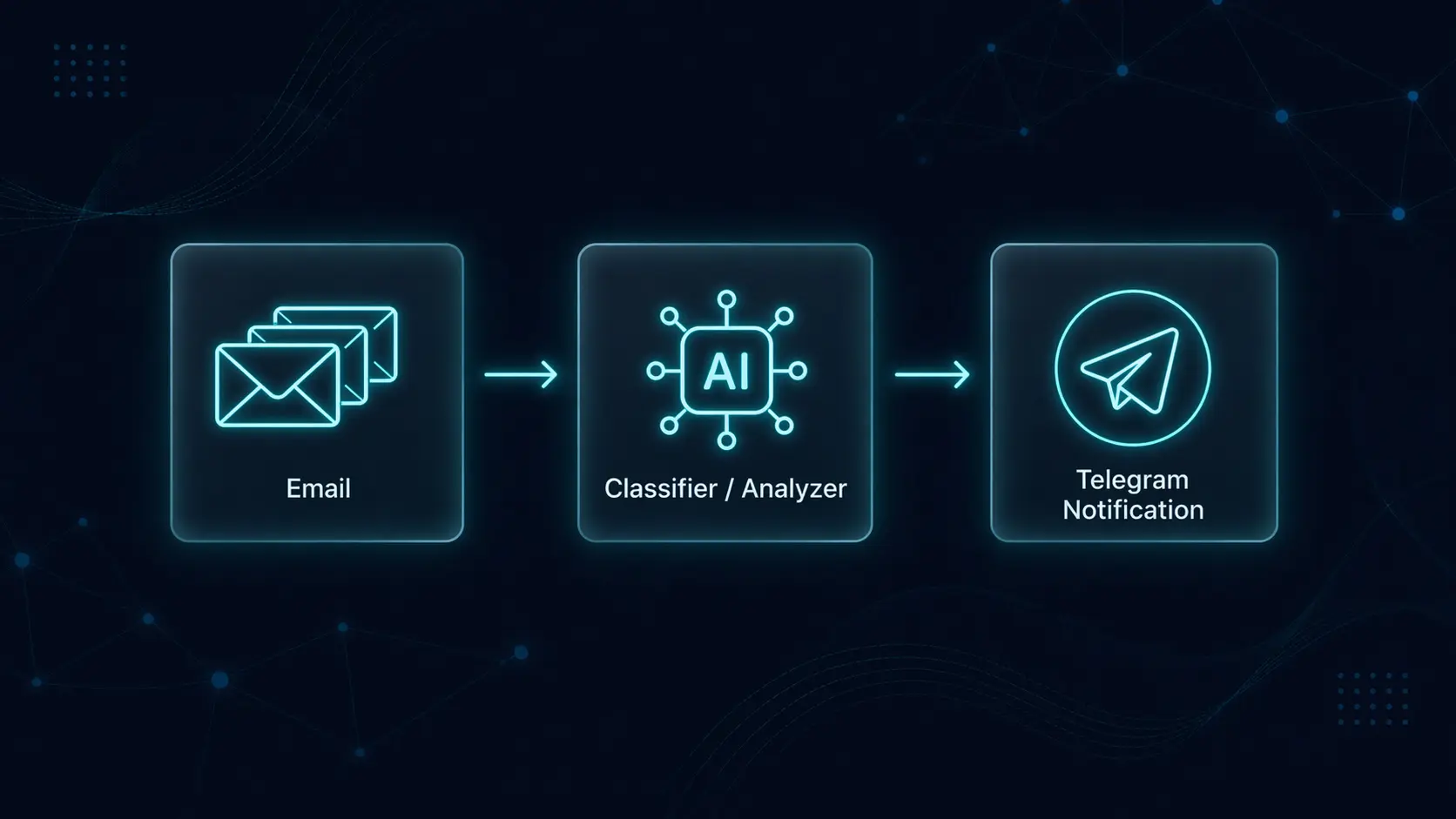
Private AI Assistant
A private AI assistant helped a construction business owner reclaim 9 hours a week by triaging inboxes, payment deadlines, and financial questions.
Key Results
9 hrs/wk
Manual email and admin work eliminated
Zero
Missed payment deadlines in 3 months
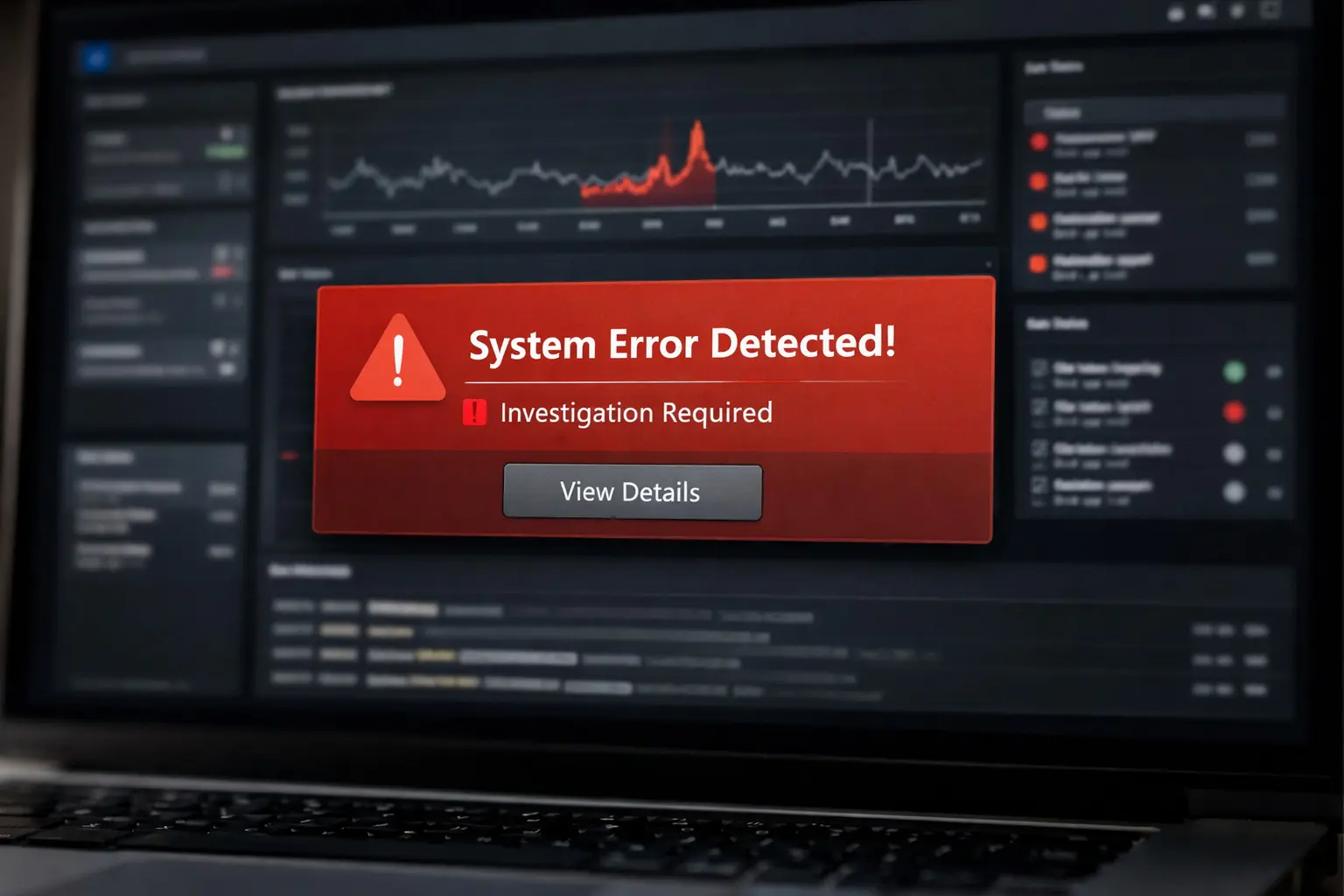
AI-Powered Incident Investigation
We built an AI-powered investigation agent that analyzes alerts, connects logs and traces across systems, and reconstructs incident timelines in minutes.
Key Results
70-80%
Faster root-cause identification
20-30 min
per incident investigation
Tell Us Where Manual Work Is Slowing You Down
Share the workflow, system handoff, inbox queue, document process, or reporting task that costs your team time. We'll look for one place where automation can create measurable savings first.